DavNotes – notes that follow you
Not many notes apps can store notes on your own server. Luckily, I have made one that can.
DavNotes is a free Android app that stores your notes on the server, so they are the same on all your devices. It also works offline and syncs when the connection is back. Get it on Google Play or F-Droid.
The app works with any CalDAV server that can store notes (VJOURNAL) – including your own, if you have one.


WebNotes – your notes in the browser
With an account here, you can also read and write your notes at caldav.rpix.dk/notes, on your computer or on a phone without the app.
The browser asks for a username and password – use the same email and password as for the server. If you do not have a note collection yet, WebNotes offers to create the first one.
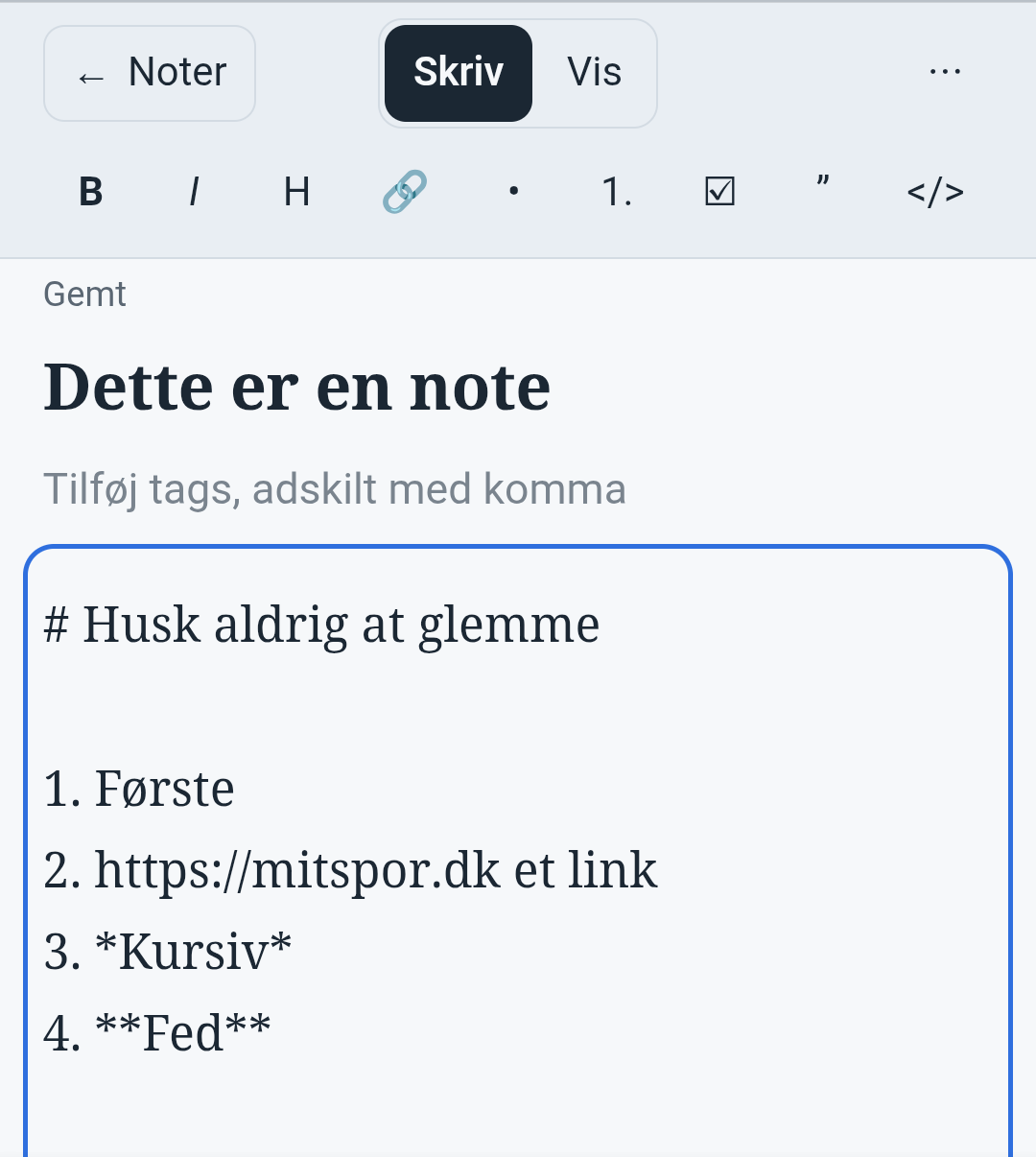
What they do
- Saves automatically while you type.
- Markdown: headings, bold, italics, lists, checklists, tables and links.
- Search, use tags and keep several note collections.
- Import and export notes as .md or .txt.
- If a note is changed in two places at once, the other version is kept as a copy – you never lose anything.
- Notes are plain VJOURNAL entries, so e.g. jtx Board can read the same notes.
Getting started
- Create an accountIt is free and only needs an email address. Sign up here.
- Get the app or open WebNotesInstall DavNotes from Google Play or F-Droid, or go to caldav.rpix.dk/notes.
- Log inIn the app, enter the server
caldav.rpix.dk, your email as username and your password. Then create a note collection and start writing.
Try it yourself
Create a free account and log in in the app or the browser.
Create a free account